The smarter POSfor busy restaurants
Take orders, manage tables and accept payments from one connected system built to keep service moving.
- Tables & orders
- Kitchen workflow
- Integrated payments
- Real-time reporting

Workflow
From table to payment in one flow
Seat guests, take the order, serve the floor and get paid, without switching systems mid-service.
Seat
Select a table and start an order.
Order
Add items, modifiers and customer requests.
Serve
Send orders to the right preparation area.
Pay
Take full, split or supported payment types without rebuilding the order.
Table management
See your floor at a glance
Manage tables visually and keep your team clear on what is happening across the restaurant.
- Interactive floor plan
- Available and occupied tables
- Assign orders to tables
- Move guests between tables
- Edit table details from an order
- View active tables quickly
Order management
Orders without the chaos
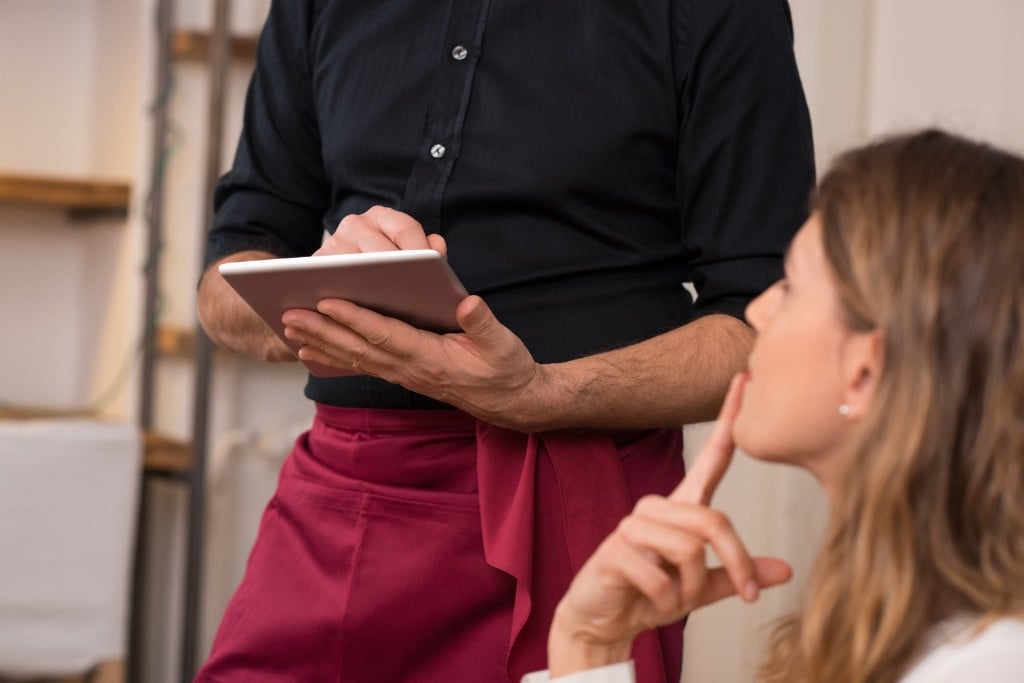
Give staff a fast way to create, edit and manage orders during busy service.
- Dine-in orders
- Takeaway
- Add and remove items quickly
- Product modifiers
- Special instructions
- Hold or update orders
- Reopen orders where supported
- Search active orders
Payments
Order and payment work together
Send the order amount directly into the payment flow and keep payment information connected to the sale.
- Card payments
- Contactless
- Supported wallets
- Cash
- Split payments
- Tips where enabled
- Full or partial refunds
- Live payment status
Split the bill
Split the bill without splitting the experience
Let customers pay together or separately without creating multiple orders.
- Split equally
- Split by person
- Multiple payment methods
- Track remaining balance
Split by
- Person 1£42
- Person 2£42
- Person 3£42

Tableside
Take the POS to the table
Let staff take orders where the conversation happens instead of walking back and forth to a fixed till.
Faster ordering
Enter orders directly at the table.
Fewer mistakes
Capture requests while speaking to the customer.
Faster checkout
Move naturally from service to payment.
Kitchen
Keep front and back of house in sync
Send orders through clearly so the floor and preparation areas stay aligned during service.
Truffle pasta ×2
Sea bass · House salad
Burger ×3 · Fries
Access
- Take orders
- Open tables
- Take payment
Staff
Built for the whole team
Give every role the access they need, nothing more, nothing missing.
Venues
Built for the way you serve
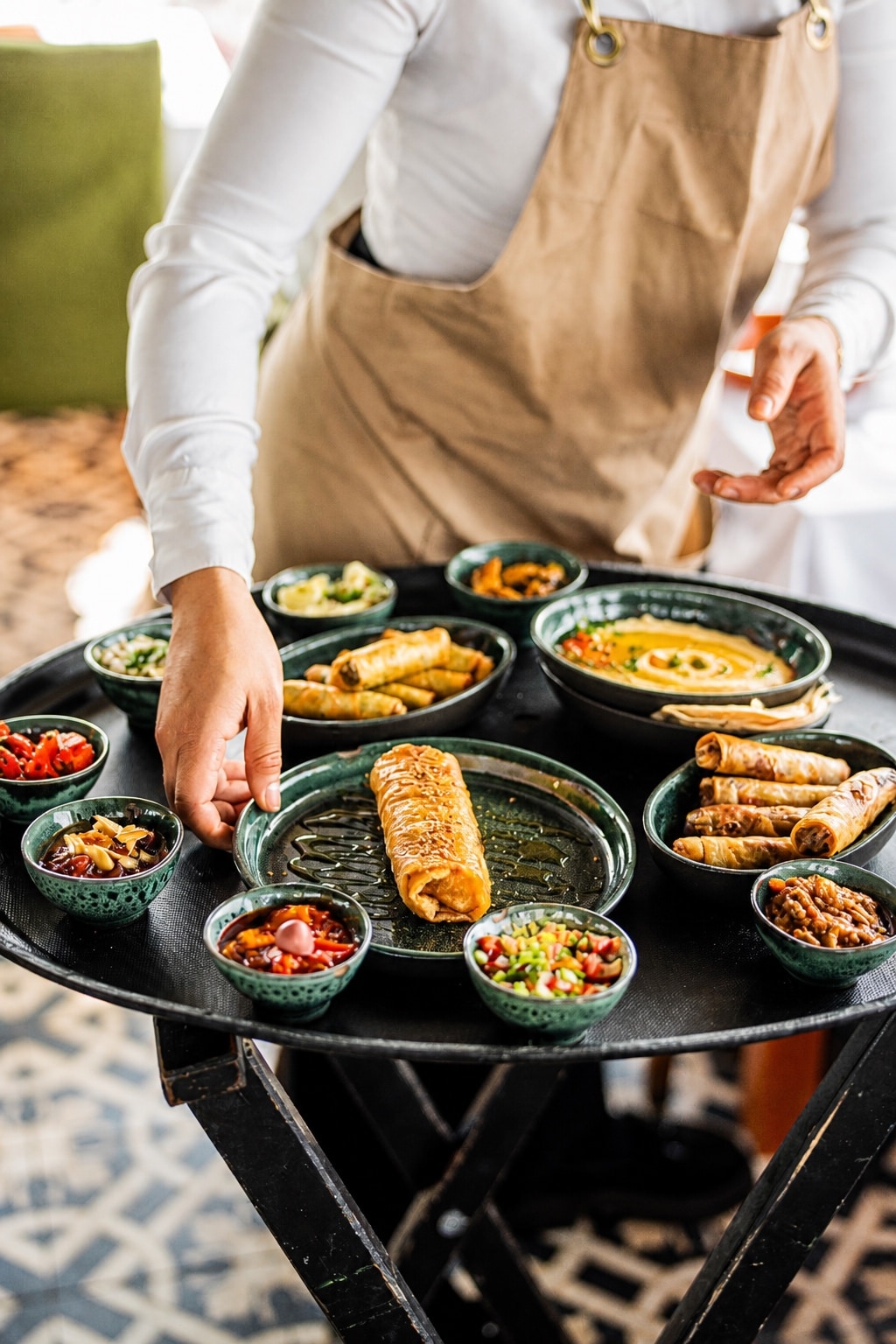
Restaurants
Full-service table management.
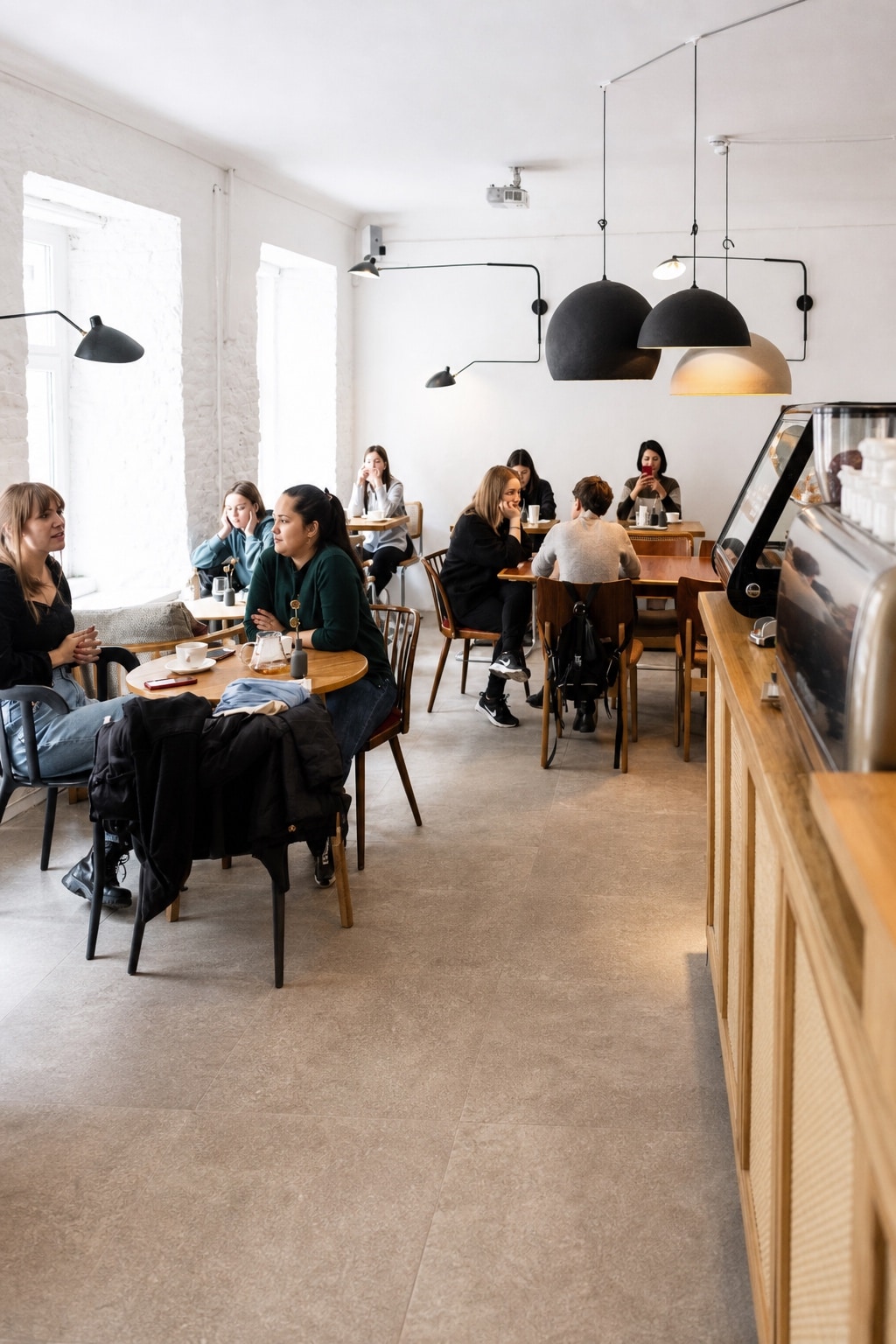
Cafés
Fast counter ordering and payments.
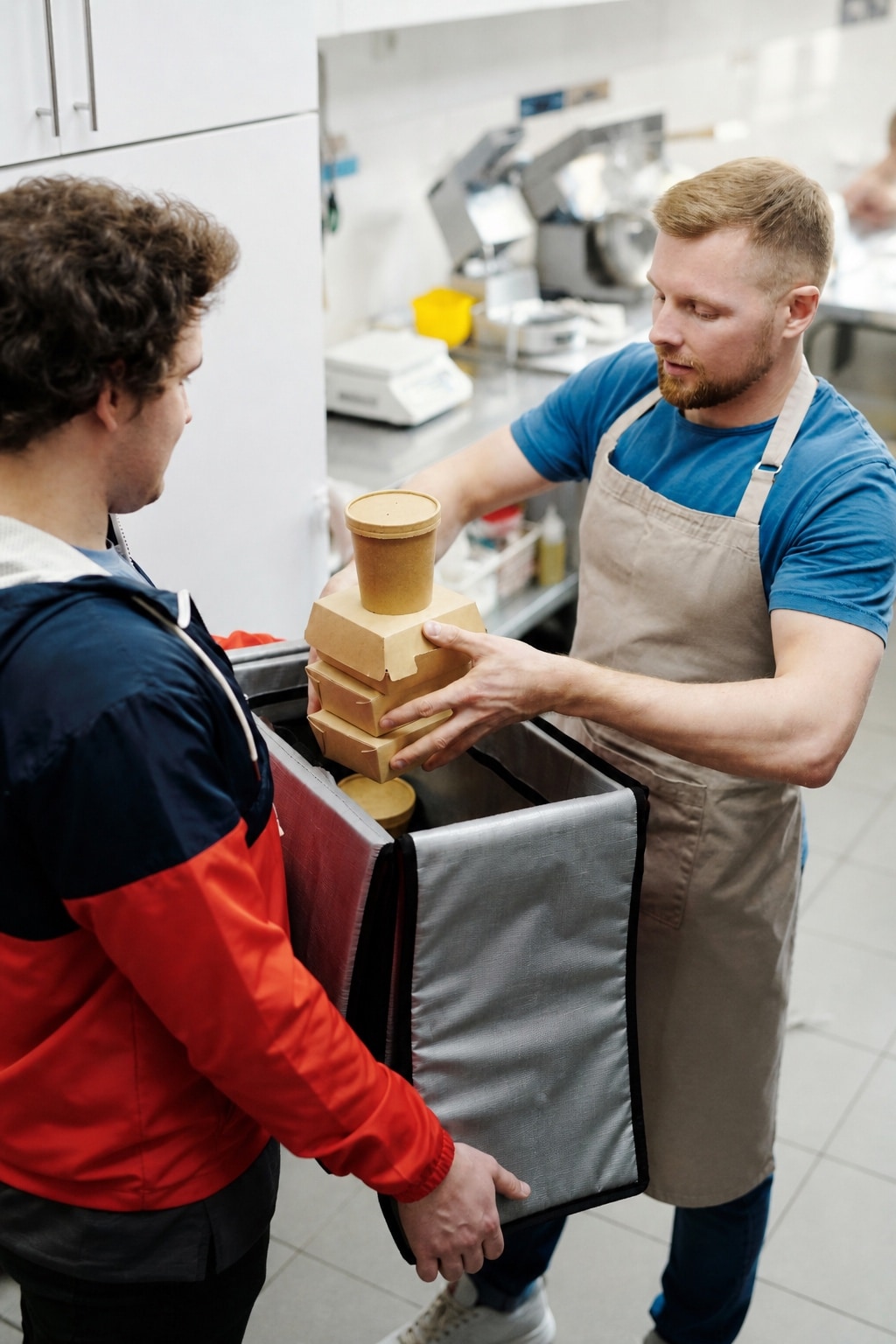
Takeaways
Quick order processing.
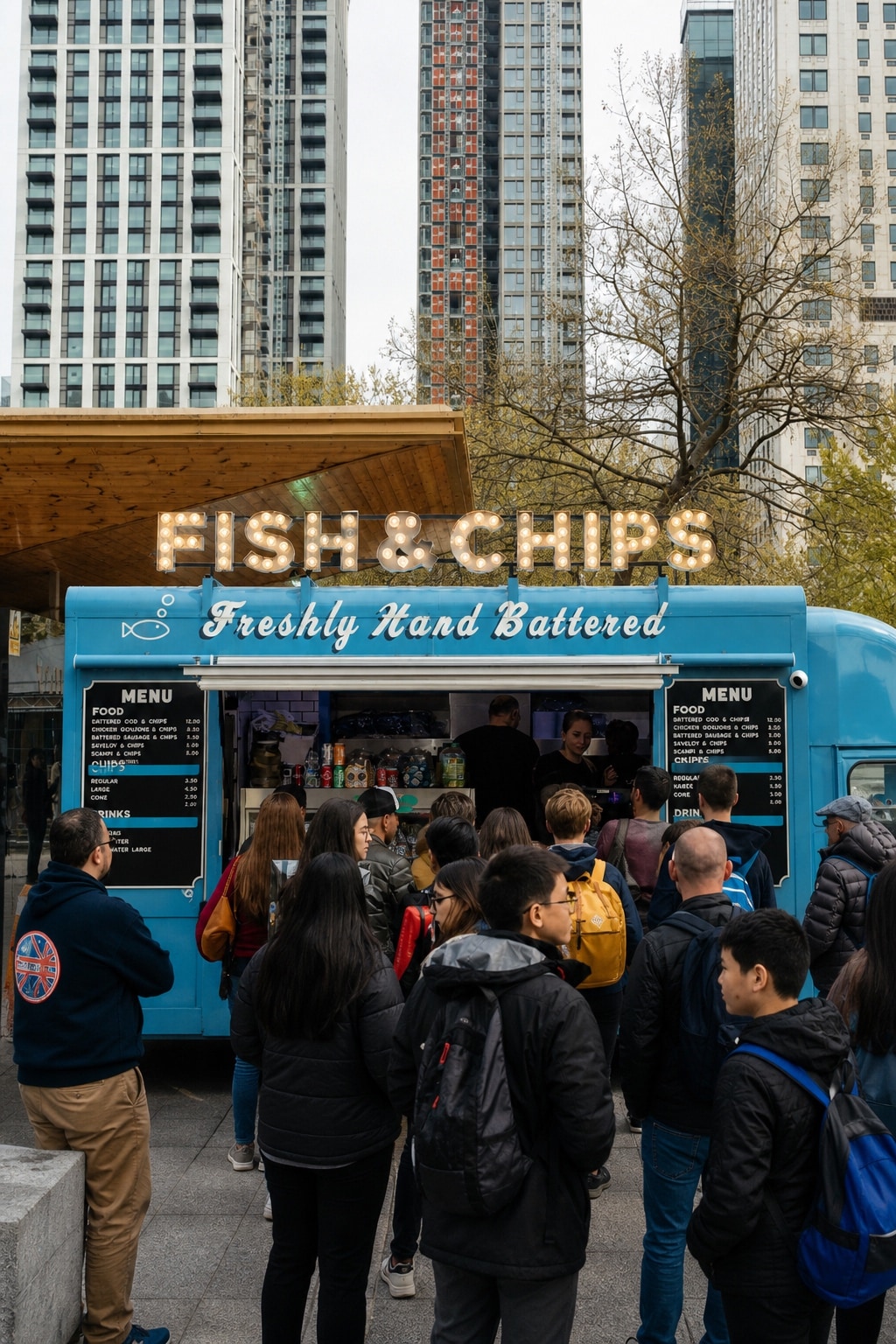
Food Trucks
For your moving business.
Run servicefrom one place
Orders, tables, payments and reporting connected in one restaurant POS.